
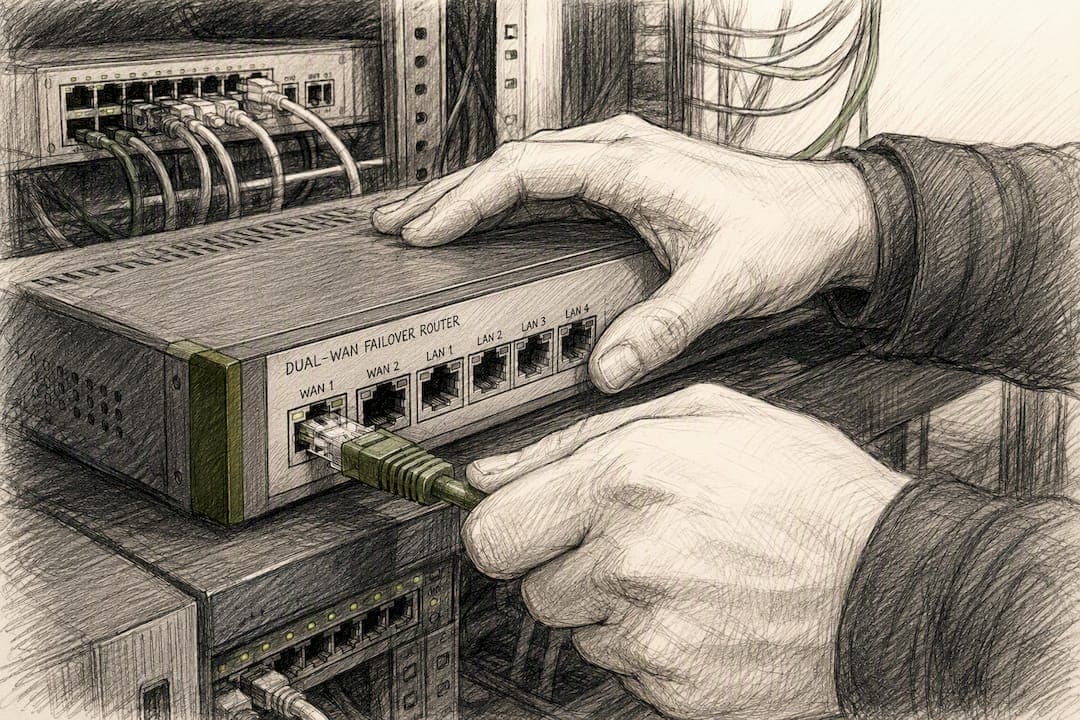
Dual WAN failover keeps your business online by automatically switching traffic to a backup internet connection the moment your primary link goes down. It's active-passive by design: one connection carries traffic while the second waits, unlike load balancing, which runs both connections active-active to split traffic for speed. If you're setting this up, your first move isn't buying hardware. It's inventorying every internet-dependent service you run, turning on health checks with multiple monitor IPs, and running a live failover test before you trust it.
For businesses that don't have the staff to babysit this, Ventis Consulting Group configures and monitors it as a managed service.
Before you touch a router:
- List every circuit you have, including static IPs and any services tied to them (VoIP, VPN, POS).
- Confirm your router or firewall actually supports gateway groups or WAN prioritization.
- Decide which services need a pinned path versus which can ride whichever link is active.
Key Takeaways
Reliable dual WAN failover depends less on which router you buy and more on how you tune probe thresholds, monitor IP selection, and failback hysteresis.
| Point | Details |
|---|---|
| Failover is active-passive | It differs from load balancing, which runs both links active-active for combined throughput. |
| Detection speed varies widely | Polling setups take 30 to 60 seconds; event-driven configurations can react in under five seconds. |
| Path diversity matters most | Cellular backup avoids sharing infrastructure with a wired primary, unlike a second line from the same provider. |
| Tune failback, not just failover | Require several consecutive successful probes before returning to primary to prevent flapping. |
| Managed option available | Ventis Consulting Group designs, monitors, and tests multi-WAN failover setups with documented SLAs for SMBs that want a turnkey solution. |
Table of Contents
- How Does Dual WAN Failover Work?
- Failover vs Load Balancing: Which Do You Actually Need?
- Choosing a Backup Link: Wired, Fixed Wireless, or Cellular?
- Setting Up Dual WAN Failover: A Step-By-Step Checklist
- How Do You Monitor and Tune Failover Without Flapping?
- Common Dual WAN Failover Problems and How to Fix Them
- What SMBs Get Wrong About Dual WAN Failover
- Why SMBs Choose Ventis Consulting for Managed WAN Failover
- Sources
How Does Dual WAN Failover Work?
Most routers handle failover through gateway groups: you assign one WAN as Tier 1 (primary) and the second as Tier 2 (backup), and the firewall watches Tier 1 with health probes. When those probes fail enough times, traffic shifts to Tier 2. UniFi Gateways, for example, use a default rule requiring two of three probes to fail before marking a WAN down, which prevents a single dropped packet from triggering a switch.
Three probe types dominate real-world configurations:
- ICMP/ping checks, the simplest but least reliable on their own since some networks deprioritize ping traffic.
- TCP probes to a known-reachable port, better at catching partial outages.
- HTTP checks against a stable endpoint, useful when you need to confirm actual internet reachability, not just link presence.
Detection speed varies enormously depending on your setup. Polling-based commercial routers typically take 30 to 60 seconds to notice a dead link and react, while event-driven implementations built on tools like NetworkManager can detect a failure and reroute in under five seconds. That gap matters: a 45-second outage might drop a VoIP call and reconnect before anyone notices, while a slow failback with no stabilization window can flap traffic back and forth mid-conversation.
Failback (the return to primary once it's healthy again) deserves more caution than failover itself. pfSense's gateway group model uses a "Time Period" setting, often tuned to 120 to 180 seconds, specifically to stop a flaky primary link from bouncing traffic back and forth every time it briefly recovers.
Failover vs Load Balancing: Which Do You Actually Need?
The distinction comes down to what you're optimizing for. Load balancing distributes traffic across both links simultaneously to squeeze out more bandwidth and performance. Failover keeps one link dormant, ready to take over the instant the primary dies. One chases speed, the other chases uptime.
For most small offices, a straight failover setup is the right call:
- If your team runs a handful of cloud apps and a phone system, redundancy matters more than combined throughput.
- If you're maxing out your primary connection during business hours and dropping packets under load, a hybrid setup (two primaries sharing traffic, plus a lower-cost backup for true outages) solves both problems at once.
- Hybrid configurations cost more to manage since you're tuning routing policy across three links instead of two, so only take that on if your bandwidth numbers actually justify it.
Retail locations running cloud POS terminals rarely need combined bandwidth. A ten-person consulting firm pushing large file transfers all day might.
Choosing a Backup Link: Wired, Fixed Wireless, or Cellular?
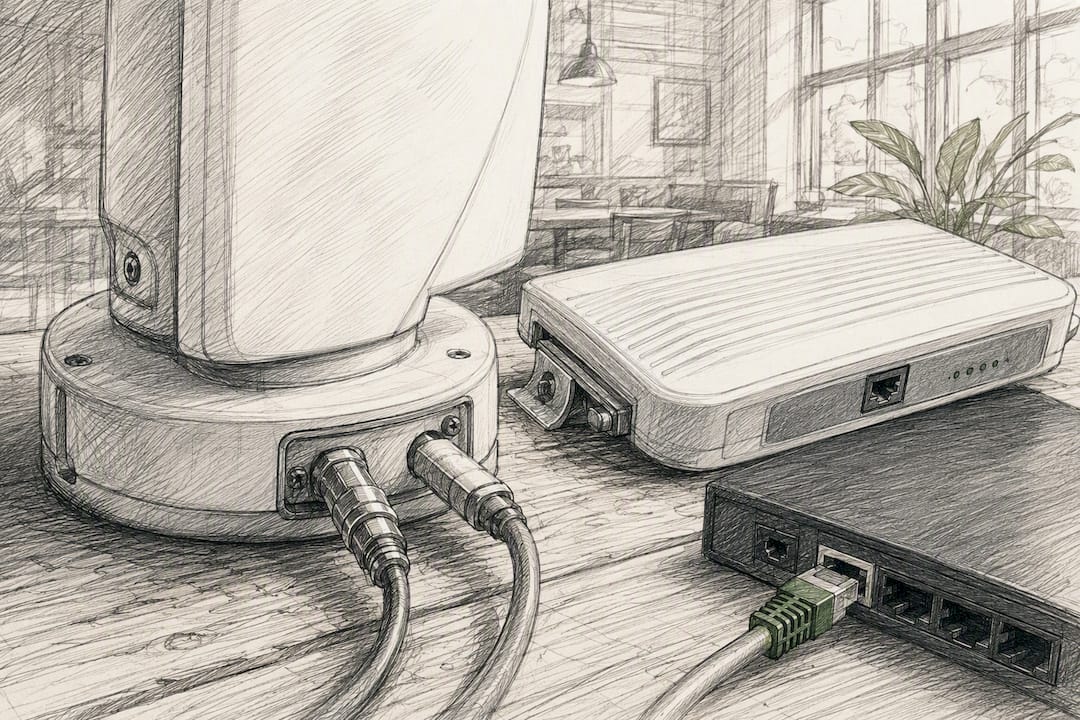
Your backup connection only helps if it fails independently of your primary. Two cable lines from the same provider often share the same neighborhood node, so a backhoe cutting one line can take out both.
Your realistic options:
- A second wired ISP (fiber, DSL, or a different cable provider) gives the best combined throughput but only helps if the two lines truly diverge in the last mile.
- Fixed wireless avoids buried cable entirely, a solid choice if your building has line-of-sight to a tower.
- Cellular (LTE or 5G) offers the cleanest path diversity of the three, since it doesn't touch your wired infrastructure at all. It's the default backup choice for businesses that can't get a second physical line installed affordably.
On the hardware side, confirm your firewall has genuine dual-WAN ports (not one WAN port plus a repurposed LAN port), supports gateway groups or policy-based routing, and can accept either an SFP module for fiber or a USB/managed cellular modem for LTE backup.
Pro Tip: Don't assume "different ISP" means "different path." Ask each provider which aggregation point or central office serves your building. If both answers are the same facility, you don't have real redundancy.
Setting Up Dual WAN Failover: A Step-By-Step Checklist
Configuring this correctly the first time saves you from troubleshooting flapping connections later. Work through it in order.
- Document your baseline. Record both circuits' public IPs, note which services depend on static addressing, and list your ISP support contacts before you start.
- Assign WAN roles. Set WAN1 as Tier 1 (primary) and WAN2 as Tier 2 (backup) in your router's gateway group settings, then confirm NAT policies apply correctly to both interfaces.
- Configure health checks. Pick two or three monitor IPs per WAN that live outside your ISP's own network, since checking against a single IP or your ISP's DNS server can produce false readings when that specific target goes down but the rest of the internet hasn't.
- Set probe intervals and thresholds. A common starting point is a 5 to 10 second probe interval with two or three consecutive failures required before marking a WAN down.
- Route service priorities. Pin latency-sensitive traffic (VoIP, credit card processing) to policy routes that avoid switching mid-session unless absolutely necessary.
- Run a staged test. Physically unplug or disable the primary WAN, time how long failover takes, confirm active connections survive or gracefully reconnect, and log the results.
Before you go live, double-check:
- Monitor IP traffic can't accidentally route through the backup WAN (this creates a blind spot where the router thinks the primary is fine when it isn't).
- Failback timing is set generously enough that a flaky primary doesn't cause repeated switching.
- Someone on your team knows how to read the failover logs.
How Do You Monitor and Tune Failover Without Flapping?
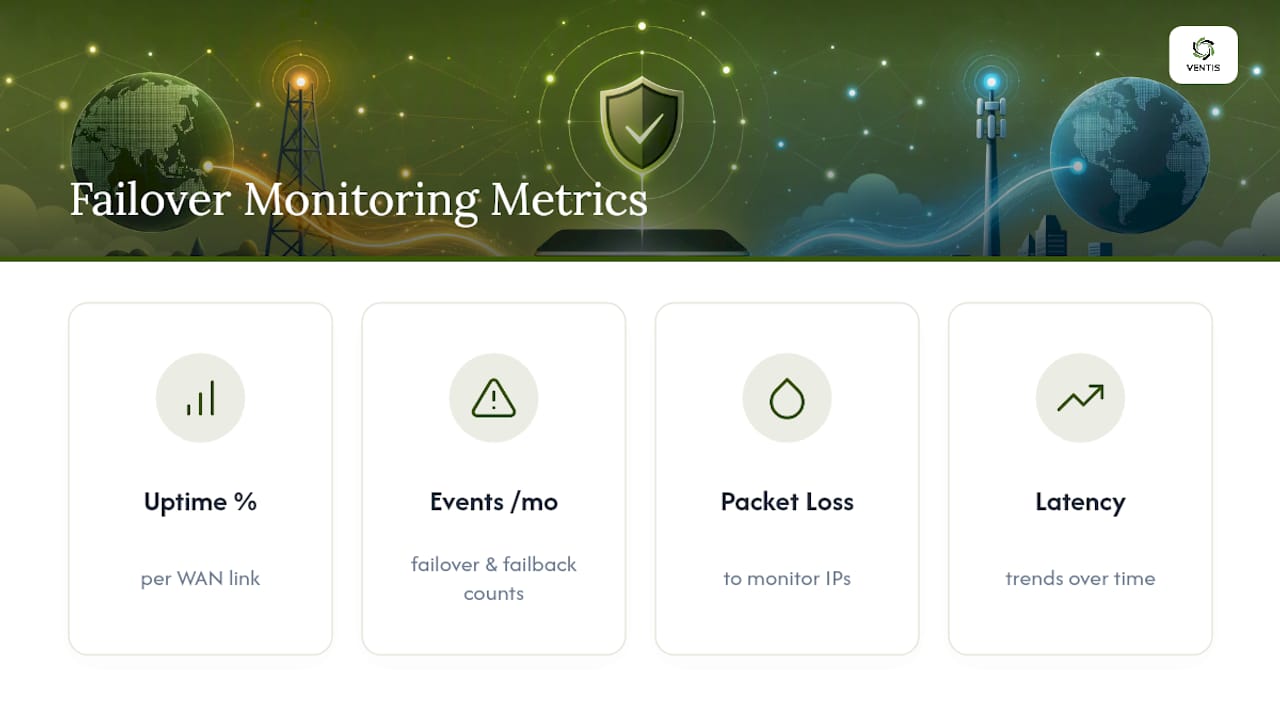
Track four numbers: uptime percentage per WAN, count of failover and failback events per month, packet loss to your monitor IPs, and latency trends over time. A link that's failing over twice a week isn't unreliable hardware, usually. It's a threshold set too tight.
A reasonable starting point for failback: require five consecutive successful probes before switching back to primary, which pfSense's own gateway group documentation treats as safer than an immediate return. Feed failover/failback events into logs or alerts, ideally routed to whoever owns network operations, so a 2 a.m. outage doesn't go unnoticed until Monday. Run a full failover test quarterly and again after any ISP maintenance window or hardware change.
Common Dual WAN Failover Problems and How to Fix Them
Most failover complaints trace back to one of four issues.
- False "link up" readings. A modem can report a healthy connection while the upstream circuit is actually dead. Active external probes catch this; link-state alone does not.
- Monitor IPs routed through the backup path. If your probe traffic can reach its target via either WAN, the router may never notice the primary is down. Check your routing table specifically for this.
- Sticky sessions breaking after a switch. Existing connections can hang in a broken state after failover; flushing conntrack tables or using session-affinity rules clears this.
- Constant flapping. This almost always means your trigger thresholds or hysteresis window are too aggressive. Widen the Time Period setting and require more consecutive failures before triggering.
Pro Tip: If failover looks unstable, check your monitor IP routing first. It's the single most common misconfiguration, and it's invisible until you specifically go looking for it.
What SMBs Get Wrong About Dual WAN Failover
Most guides oversell the hardware and undersell the tuning. Buying a router with dual-WAN ports doesn't get you reliable failover; it gets you the capability. The actual reliability comes from probe selection, threshold tuning, and hysteresis windows that most SMBs set once at default and never revisit.
The bigger blind spot is path diversity. Business owners assume a "second ISP" means real redundancy, then discover during an actual outage that both lines ran through the same regional aggregation point. Cellular backup solves this more reliably than a second wired line in most cases, precisely because it doesn't share any physical infrastructure with your primary circuit.
I'd also push back on the instinct to over-engineer with load balancing when plain failover would serve better. Combining two active links sounds appealing, but it adds routing complexity that a five-person office rarely has the bandwidth need to justify, and every added complexity point is another thing that can misbehave during an actual outage. Get failover rock solid first. Add load balancing later, only if your traffic actually demands it.
— Greg
Why SMBs Choose Ventis Consulting for Managed WAN Failover
DIY failover works, but it demands ongoing attention: someone has to watch thresholds, respond to flapping, and know when a "link up" reading is lying to you. Ventis Consulting Group handles that as a managed service, designing multi-WAN architecture, configuring monitoring and health probes, running scheduled failover tests, and backing it with documented service-level commitments so you're not the one debugging a broken conntrack table at 6 a.m.
DIY makes sense if you have in-house network staff and a single location. Once you're managing multiple sites, VoIP that can't tolerate dropped sessions, or you simply don't have the bandwidth to own this, a managed setup pays for itself the first time an outage doesn't turn into a business day lost.
Visit the unified communications and WAN services page to schedule a consultation and get your current setup reviewed.
Sources
- WAN Failover, Load Balancing and Port Remapping on UniFi Gateways
- pfSense multi-wan failover (Gateway groups, trigger levels, and failback)
- linux-dual-wan-failover (event-driven sub-10s failover)