

Retail network infrastructure is the combined physical and logical framework that powers all digital retail operations, linking point-of-sale terminals, inventory management systems, customer devices, and security cameras into one secure, connected ecosystem. Understanding how retail network infrastructure works is not optional for IT professionals and retail business leaders. It determines whether your stores process payments reliably, stay PCI DSS compliant, and scale without chaos. This guide covers the core hardware, architecture principles, security requirements, and management strategies that keep retail networks running across one location or one hundred.
What are the essential hardware components of retail network infrastructure?
The physical layer of any retail network starts with four core elements: racks, switches, routers, and structured cabling. Each plays a specific role, and none is optional. Skipping or underspecifying any one of them creates bottlenecks that show up at the worst possible moment, usually during peak sales hours.
Racks house your switches, routers, patch panels, and power distribution units in a single organized enclosure. They belong in a dedicated, climate-controlled IT closet with restricted physical access. That requirement is not just good practice. PCI DSS requires restricted physical access to network racks, and failing that control can trigger a compliance finding during an audit.
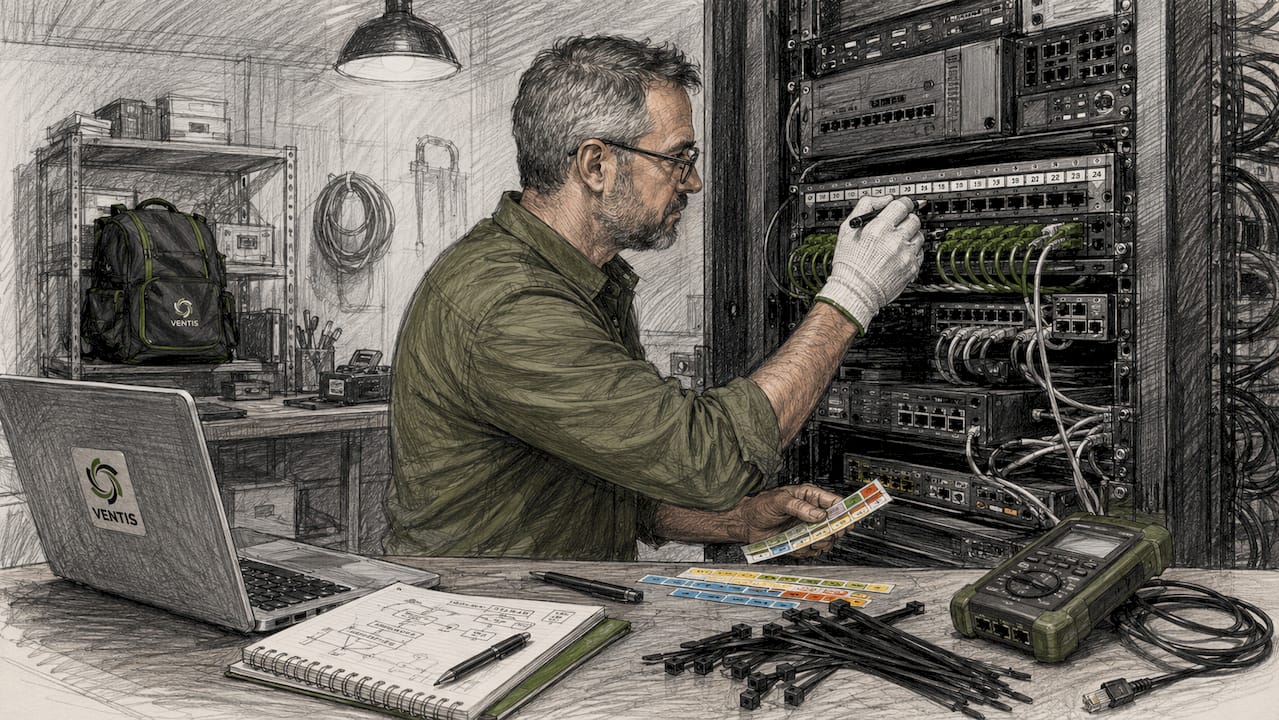
Cabling is where most retail deployments cut corners and pay for it later. Cable runs must stay under 90 meters to maintain Ethernet signal integrity. Runs beyond that threshold introduce packet loss and latency that degrade POS transaction speeds. Cat6 is the current standard for new retail installations because it supports both current bandwidth demands and future upgrades without recabling.
| Hardware Component | Role in the Network |
|---|---|
| Rack enclosure | Houses and organizes all active and passive network equipment |
| Managed switch | Segments traffic into VLANs for POS, guest Wi-Fi, and business use |
| Router or SD-WAN appliance | Connects the store to the internet and corporate WAN |
| Patch panel | Terminates structured cabling and enables clean port-to-device mapping |
| Wireless access points | Delivers Wi-Fi coverage for customer and staff devices |
| IP security cameras | Connects to the network for centralized video monitoring |
Retail stores typically require 12–24 network drops based on store size, with dedicated drops for POS terminals, wireless access points, and security cameras. Standardized drop counts per fixture type make deployments repeatable and cut installation time on new locations.
Pro Tip: Label every patch panel port and cable run at installation. A labeled panel cuts troubleshooting time from hours to minutes when a port goes down during business hours.
How does retail network architecture ensure operational reliability?
Retail network architecture should prioritize operational continuity and simplicity over complexity. True retail network resilience comes from hardware-level simplicity, native cellular failover, and out-of-band management. Complex routing protocols add failure points without adding meaningful uptime. A predictable, monolithic hardware design is easier to troubleshoot, easier to replicate, and far more reliable under real-world conditions.
The most effective architecture for multi-site retail separates traffic into three distinct segments using VLANs:
- POS VLAN: Carries payment card data exclusively. Isolated from all other traffic to meet PCI DSS scope requirements.
- Business VLAN: Handles back-office systems, inventory devices, and staff applications. Kept separate from guest access.
- Guest Wi-Fi VLAN: Provides customer internet access with no path to payment or business systems.
Segregating retail store network traffic into these three segments prevents non-critical load from disrupting payment processing. A customer streaming video on guest Wi-Fi should never compete for bandwidth with a POS terminal processing a transaction.
Cellular failover is the most underused reliability tool in retail networking. Industrial 5G routers allow immediate deployment and reliable failover connectivity, so stores stay open when the primary ISP circuit goes down. N+1 redundancy at the switch and router level prevents single points of failure in critical equipment. For stores where downtime means lost revenue, that redundancy pays for itself quickly. Pairing cellular failover with redundant power strategies adds another layer of protection against outages.
Pro Tip: Configure out-of-band management on your routers so your IT team can access and reboot remote store equipment without dispatching a technician on-site.
How are retail networks secured to protect payment and customer data?
Retail network security operates at two levels: physical and logical. Both are required for PCI DSS compliance, and both are audited. Neglecting either one creates exposure that no firewall rule can fix.
Physical security controls include:
- Locked IT closets with access limited to authorized personnel only
- Cable routing through conduit or secured pathways to prevent tampering
- Patch panel segregation that physically separates POS ports from all other connections
- Camera coverage of the IT closet entrance for audit trail documentation
On the logical side, PCI DSS requires isolation of payment systems from all other network traffic. The mechanism is a dedicated POS VLAN, enforced at the switch level and confirmed at the patch panel. Mixing POS and general business traffic expands your PCI scope, which increases audit complexity and compliance risk.
Isolating POS VLANs physically and logically at patch panels simplifies PCI DSS assessments and protects payment data integrity. When an auditor can trace a POS port from the terminal through the patch panel to a dedicated switch port on a segmented VLAN, the assessment moves faster and the risk of a finding drops significantly. For a deeper look at protecting customer data at the store level, the Ventis Consulting Group guide on protecting customer data covers both technical and physical compliance measures in practical terms.
What are the best practices for managing and scaling retail networks?
Scaling retail networks across multiple locations requires one discipline above all others: standardization. Standardizing network templates across all retail stores enables remote troubleshooting as if all locations were identical. When every store uses the same rack layout, the same cable counts, and the same device roles, your IT team can diagnose a problem in store 47 without ever visiting it.
The "Gold Image" approach formalizes this discipline. A Gold Image is a universal cabling template with exact Cat6 drop counts, rack layouts, and port labeling that every new store replicates precisely. Centralized management with standardized SSIDs, permissions, and templates reduces operating costs and accelerates new store openings. Fragmented local settings, where each store manager or local IT contractor made their own decisions, create support complexity that compounds as the chain grows.
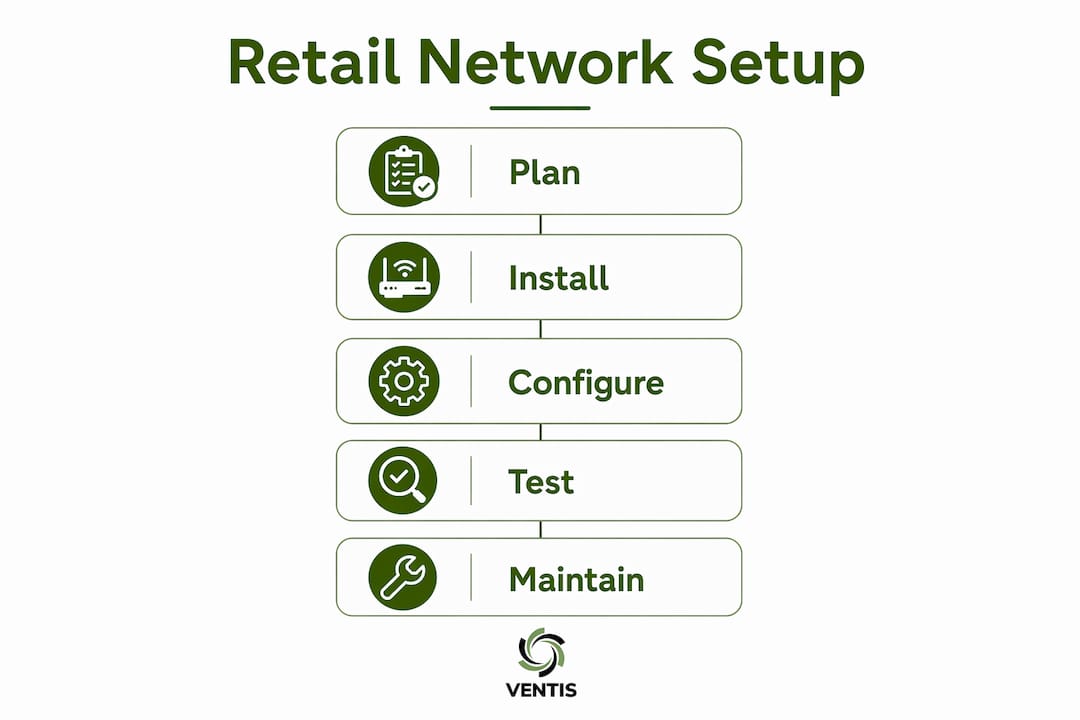
Here is a practical framework for scaling retail network management:
- Define your Gold Image. Document exact hardware models, cable counts, VLAN configurations, and SSID names for every store tier.
- Deploy centralized management. Use a cloud-managed platform to push configuration changes, monitor uptime, and enforce policies across all locations from one console.
- Segment stores by role. Flagship stores, regional hubs, and smaller format locations have different bandwidth and redundancy needs. Assign hardware tiers accordingly.
- Implement franchise VPNs. For franchise models, site-to-site VPNs give corporate IT visibility into each location without exposing store networks to each other.
- Evaluate SD-WAN at scale. SD-WAN becomes cost-effective when you manage more than ten locations and need dynamic path selection between multiple ISP circuits.
| Store tier | Recommended hardware approach |
|---|---|
| Small format (under 2,000 sq ft) | Entry-level managed switch, single AP, integrated router with cellular failover |
| Mid-size store (2,000–10,000 sq ft) | Stackable managed switches, multiple APs, dedicated router, UPS backup |
| Flagship or high-volume store | Enterprise-grade switches, redundant uplinks, SD-WAN appliance, full N+1 redundancy |
Standardization is the key to scalable retail networks. Treating each store as a unique environment leads to operational inefficiency and increased support costs that grow with every new location you open.
How does retail network infrastructure support customer experience and business agility?
The network is the foundation of every customer-facing system in a retail store. A reliable POS connection means transactions process in seconds rather than timing out at the register. Real-time inventory systems depend on the same network to sync stock levels across locations, preventing overselling and enabling accurate fulfillment promises to customers.
Customer Wi-Fi placement matters more than most retailers realize. Access points positioned for coverage dead zones, not just aesthetics, keep customers connected longer and support location-based marketing tools. The guest VLAN carries that traffic without touching payment systems, so the customer experience improvement comes at no security cost.
Retail ecosystems function best when merchandising, supply chain, and operations collaborate concurrently based on shared market signals. The network is what makes that concurrency possible. When inventory data, sales data, and customer behavior data all flow in real time across a well-designed network, your teams can respond to market changes in hours rather than days. Sequential handoffs cause delays that compound during rapid market changes. A network that delivers data in real time removes the bottleneck that forces sequential decision-making in the first place.
Key Takeaways
Retail network infrastructure works when physical hardware, logical segmentation, and standardized templates combine to deliver reliable, secure, and scalable connectivity across every store location.
| Point | Details |
|---|---|
| Cable runs and physical security | Keep Ethernet runs under 90 meters and store racks in locked, climate-controlled rooms. |
| VLAN segmentation is mandatory | Separate POS, business, and guest Wi-Fi traffic to meet PCI DSS requirements and protect payment data. |
| Cellular failover prevents downtime | Native 5G failover keeps stores operational when the primary ISP circuit fails. |
| Standardization enables scale | A Gold Image template lets IT teams troubleshoot any store remotely without on-site visits. |
| Real-time data drives agility | A well-designed network enables concurrent decision-making across merchandising, supply chain, and operations. |
What I've learned from watching retail networks fail and succeed
After working with retail IT environments across a range of store sizes, the pattern is consistent. The networks that fail are not the ones with the cheapest hardware. They are the ones built without a plan, where each location was set up differently, where the IT closet was an afterthought, and where nobody documented anything.
The retailers who get this right treat the network like a product, not a utility. They define a Gold Image before they open store one. They enforce it at store fifty. They do not let local contractors improvise cable runs or SSID names. That discipline sounds rigid, but it is what makes remote troubleshooting possible and PCI audits survivable.
The other lesson is to resist over-engineering. I have seen retail IT teams build complex high-availability software stacks that took specialists to maintain and failed in ways nobody anticipated. A simple, well-documented architecture with cellular failover and N+1 hardware redundancy outperforms a complex one almost every time. Simplicity is not a compromise. It is the goal. The future of retail networking, particularly integrated 5G failover and SD-WAN at scale, rewards the teams who already have clean, standardized foundations to build on.
— Greg
Ventis Consulting Group can build and manage your retail network
Retail network infrastructure requires the right design from day one. Ventis Consulting Group works with small to mid-sized retail businesses in Pittsburgh and surrounding areas to deploy, secure, and manage networks that meet PCI DSS requirements and scale as your locations grow.

From standardized store deployments to centralized network management and cybersecurity compliance, Ventis Consulting Group delivers managed IT services built for retail environments. You get a consistent network architecture across every location, cellular failover to keep stores open during outages, and a team that knows your infrastructure inside and out. Contact Ventis Consulting Group to discuss your retail network needs.
FAQ
What is retail network infrastructure?
Retail network infrastructure is the combined hardware and software framework that connects POS terminals, inventory systems, customer Wi-Fi, and security cameras within a store. It includes physical components like switches, routers, and cabling, plus logical elements like VLANs and security policies.
How many network drops does a retail store need?
Most retail stores require 12–24 network drops depending on size, with dedicated connections for POS terminals, wireless access points, and security cameras. Standardized drop counts per store tier make deployments consistent and repeatable.
Why does PCI DSS matter for retail network design?
PCI DSS requires that payment card data travel on an isolated network segment, separate from guest Wi-Fi and general business traffic. Non-compliance expands audit scope and increases the risk of a data breach that exposes customer payment information.
What is a Gold Image in retail networking?
A Gold Image is a standardized cabling and configuration template that every store replicates exactly, covering Cat6 drop counts, rack layouts, VLAN assignments, and device roles. It enables IT teams to troubleshoot any location remotely as if all stores were identical.
When should a retail chain consider SD-WAN?
SD-WAN becomes cost-effective for retail chains managing more than ten locations that need dynamic path selection across multiple ISP circuits. Smaller chains typically get better value from a simpler router-plus-cellular-failover architecture.