
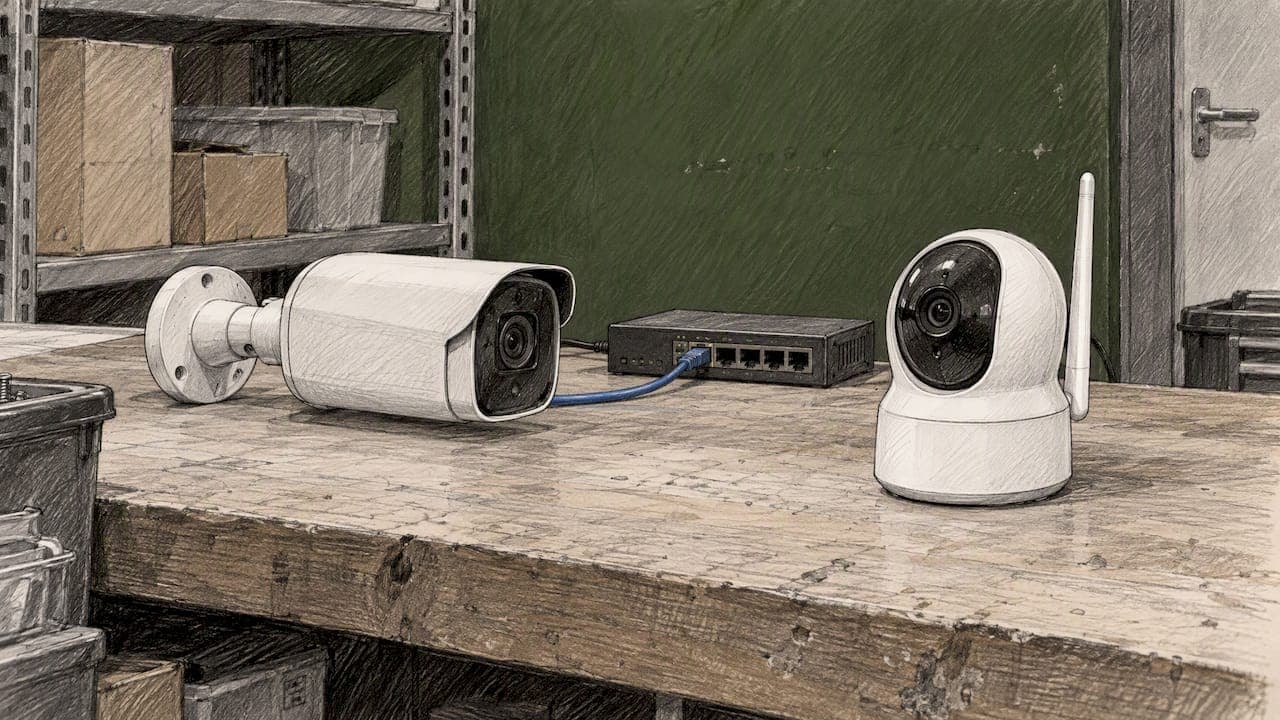
For permanent, high-reliability installations, choose PoE. For fast, flexible setups, pick wireless. The reason comes down to a trade-off between cabling cost and freedom of placement, and it matches how PoE delivers both power and data over a single cable compared to a battery or Wi-Fi setup. We walk through both options below so you can match the right one to your property.
TL;DR:
- Before buying PoE, match each camera’s power class to the switch, total expected draw, and leave 20% headroom; a UPS protects recording during outages.
- Wireless works best when the network reaches the mounting point reliably; battery models need charging every few months, while some rely on cloud clips.
- PoE cable drops commonly cost $125 to $500 each, and difficult ceiling access or trenching adds expense; jobs involving multiple cameras can take days.
- For liability or insurance needs, continuous local recording through an NVR favors PoE; motion clips can leave gaps at critical moments.
- Separate cameras from business systems on their own network segment, use unique administrator passwords, and keep firmware current to limit damage from a compromised device.
Table of Contents
- PoE cameras: definition, real-world pros, and practical cons
- Wireless cameras: how they work and the practical pros and cons
- Choosing between PoE and wireless for your situation
- Installation, pricing, and timeline expectations
- Network setup and security steps that keep cameras reliable
- Why we lean PoE for business, and when wireless makes sense
- Let us design and install your camera network
- FAQ
- Sources
PoE cameras: definition, real-world pros, and practical cons
Power over Ethernet sends both electrical power and video data through one Ethernet cable, so a camera needs no separate outlet or transformer near the mounting point. The IEEE PoE standards define different classes, 802.3af, 802.3at, and 802.3bt, each supplying a different wattage ceiling per port, and UPoE hardware can push even higher. A camera's power class determines which switch it needs, so that spec matters before you buy.
For buyers, PoE offers a few clear advantages:
- One cable handles power and data, which simplifies wiring and reduces points of failure.
- Continuous recording to a local NVR stays reliable because there's no dependence on Wi-Fi signal strength.
- Stable bandwidth supports higher resolution footage without the compression artifacts that weak wireless connections can cause.
- No interference from neighboring networks or household Wi-Fi congestion.
The trade-offs are real too. Running cable costs labor and materials, moving a camera later means pulling new line, and you need to size your switch's power budget correctly so it doesn't run short when every port draws current at once. Before buying, check the switch's total wattage budget, confirm the camera's required standard (802.3at or 802.3bt), and plan for a UPS on your NVR and switch so recording continues through a power blip.
Pro Tip: Always leave 20% headroom in your PoE switch's power budget for firmware updates and seasonal temperature swings that increase draw.

Wireless cameras: how they work and the practical pros and cons
Wireless cameras send video over your Wi-Fi network instead of a cable, and they come in two flavors: battery-powered units you charge periodically, and plug-in models that stay wired for power but still transmit footage wirelessly. Both skip the need for a data cable run, which is the main appeal.
That convenience comes with its own list of pros and cons for buyers to weigh:
- Fast installation since there's no cable to run, often just a bracket and a Wi-Fi pairing.
- Easy repositioning if you want to test a few angles before settling on one.
- Good fit for renters or anyone covering a detached shed or gate out of easy cable reach.
- Battery upkeep becomes a recurring task, and a dead battery means a blind spot.
- Dropout risk rises on weak or congested Wi-Fi, and many models default to short motion clips with cloud storage rather than continuous local recording.
Wireless makes sense for a porch camera, a rental property between tenants, or a small retail stockroom where running conduit isn't worth the cost. It's a weaker fit where you need uninterrupted footage of every minute, like a cash register or a warehouse loading dock, because a missed clip at the wrong moment defeats the purpose.
Choosing between PoE and wireless for your situation
Your decision usually comes down to five factors: how permanent the install is, whether you need continuous recording or motion clips are fine, how strong your network is, your budget for cabling, and whether you'll need to move the camera later.
- Is this a permanent location like a storefront entrance or a home's main door? Lean PoE.
- Do you need continuous recording for liability or insurance reasons? PoE and a local NVR handle that better than motion-triggered clips.
- Is your Wi-Fi reliable and uncongested in that spot? If not, wireless footage will show gaps.
- Can you absorb cabling cost and a multi-day install? If the budget or timeline won't allow it, wireless is the practical choice.
- Will the camera move in the next year, say during a lease or a remodel? Wireless avoids wasted cable runs.
A home patio camera that stays put for years favors PoE. A small retail stockroom with a short-term lease favors wireless. A rental property between tenants almost always favors wireless. Whichever you pick, ask the seller or contractor about PoE wattage requirements, whether footage goes to a local NVR or the cloud, what the warranty covers, and what a cable drop costs installed, not just the camera price.
Installation, pricing, and timeline expectations
A PoE install typically means running cable from each camera to a central switch or NVR, which can mean fishing wire through walls, attics, or outdoor conduit. Structured cabling for small businesses commonly runs $125 to $500 per drop depending on distance and access, and ceiling work or trenching adds both time and cost. A multi-camera PoE job often takes several days when walls or crawl spaces are involved.
Wireless installs move faster: mount the bracket, connect to Wi-Fi, and you're recording the same day in most cases. The ongoing costs shift from labor to recurring expenses instead:
- Batteries or chargers for battery-powered units, replaced every few months depending on use.
- Cloud subscription fees if the camera doesn't support local storage.
- Occasional firmware updates that may require a brief re-pairing.
Before committing either direction, get at least two quotes and ask each bidder to break out cable drops, hardware, and labor separately so you can compare real numbers instead of bundled estimates.
Network setup and security steps that keep cameras reliable
Whichever camera type you choose, the network it sits on matters as much as the hardware. Start by putting cameras on their own VLAN, separate from computers and point-of-sale systems, so a compromised camera can't reach sensitive data. Set strong, unique admin credentials on every device, and keep firmware current, a step covered in more detail in our guide to camera cybersecurity for small businesses.
For PoE deployments, calculate your switch's total power budget before adding cameras, and consider static power allocation on critical ports so a firmware hiccup elsewhere doesn't cut power unexpectedly. A UPS on your switch and NVR keeps recording running through short outages.
For wireless setups, check signal strength at the actual mounting point, not just nearby, and move to a less congested channel if neighbors are crowding the same frequency. A dedicated access point or mesh backhaul helps when cameras sit far from your router. Our guide to connecting cameras to a business network covers the setup steps in more depth.
Pro Tip: Before calling an IT provider for an assessment, write down your camera count, desired recording length, and whether you want local or cloud storage. It cuts the back-and-forth in half.
- Camera count and planned locations
- Recording preference: continuous local NVR versus cloud clips
- Current network speed and router age
- Budget range for cabling versus ongoing fees
Why we lean PoE for business, and when wireless makes sense
For a storefront, warehouse, or office that isn't moving anytime soon, we recommend PoE almost every time. Continuous recording and centralized backup power matter more than the convenience of skipping a cable run. For a homeowner with a porch camera or a short-term rental, wireless is a fair trade of some reliability for speed and flexibility.
We offer site surveys, structured cabling, and managed network design, and we back that with a consultative approach rather than a one-size-fits-all script. If you'd rather have a second opinion before buying, request a site assessment and we'll walk the property with you.
— Greg
Let us design and install your camera network
We handle the parts that turn a camera purchase into a working system: site surveys that map coverage and cable runs, low-voltage cabling for PoE drops, and managed network design that keeps cameras, point-of-sale systems, and office traffic properly separated. For placement planning, CCTV camera height, tilt, and overlap guidance from our partners at GSGI is a useful reference before your installer shows up.

If you want a PoE or managed wireless camera system that holds up for years, start with our end-to-end IT solutions page or ask about Network-as-a-Service for ongoing monitoring and support. Current pricing and details are available on our website. Reach out and we'll scope the job with you.
FAQ
What are the drawbacks of using PoE?
PoE cameras require running cable to each location, which adds labor and material cost compared to wireless, and relocating a camera later means a new cable run. You also need a switch with enough power budget for every connected camera, which means checking wattage specs before buying.
Which camera is best, Wi-Fi or wired?
Wired PoE cameras suit permanent locations where continuous recording and reliable uptime matter most, such as storefronts or offices. Wi-Fi cameras suit temporary setups, rental properties, or spots where running cable isn't practical, trading some reliability for faster installation.
What is PoE on a security camera?
PoE, or Power over Ethernet, means the camera receives both electrical power and video data through a single Ethernet cable, eliminating the need for a separate power outlet near the camera. The specific IEEE class the camera supports, such as 802.3at or 802.3bt, determines how much power it draws from the switch.
Which PoE switch is best for IP cameras?
The right switch depends on your camera count and each camera's power class, since 802.3af, 802.3at, and 802.3bt support different wattage ceilings per port. Add up each camera's power draw and compare it against the switch's total power budget before buying, leaving room for future expansion.
How do I decide what to tell my IT provider before an assessment?
Share your camera count, planned locations, whether you want continuous local recording or cloud-based motion clips, and your current network speed. That gives a provider enough to scope cabling needs, switch sizing, and network segmentation in a single visit.