
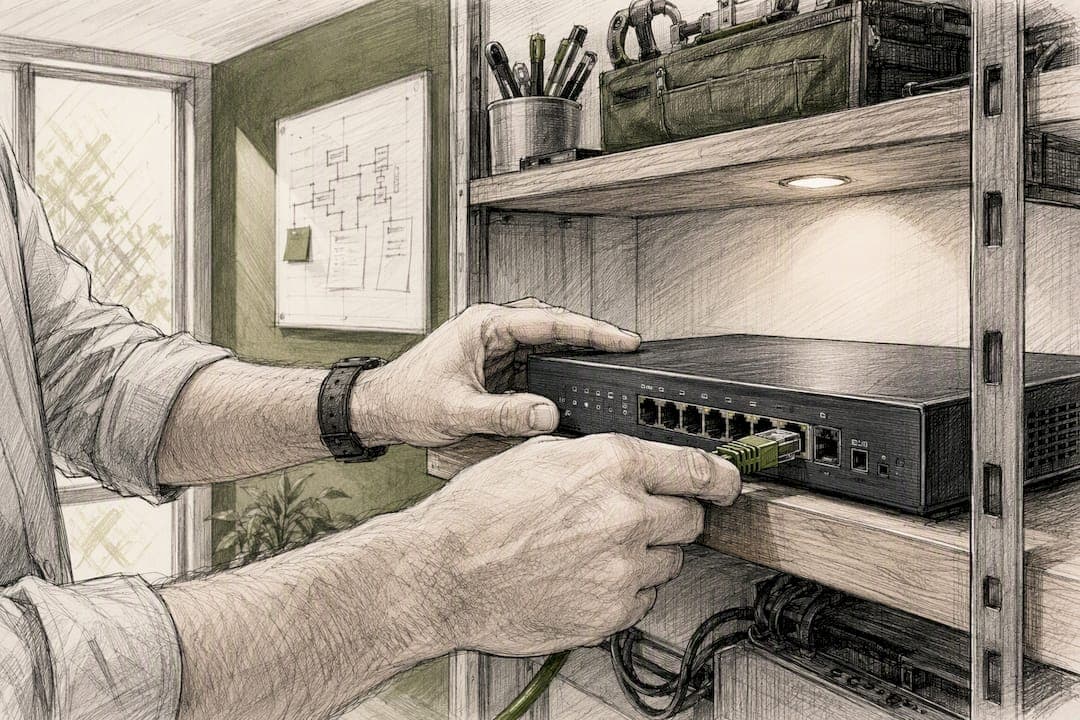
A static IP address is a fixed public internet address that never changes. If your business hosts servers, needs stable VPN or remote desktop access, runs VoIP or security cameras, or requires IP allowlisting for vendors and partners, you need one. That's the short answer.
Here's when the purchase pays for itself:
- You host a website, email server, or FTP service in-house
- Your team relies on VPN, RDP, or SSH for remote access
- You run VoIP, unified communications, or NVR/security camera systems
- A partner or vendor requires allowlisting your address for secure access
Expect a monthly add-on, often around $10, on top of your existing business internet plan. Call your ISP's business line, or talk to Ventis Consulting Group about getting it configured correctly the first time.
Key Takeaways
A business static IP address delivers real operational value only when paired with proper ISP configuration and ongoing security hardening, not a one-time setup.
| Point | Details |
|---|---|
| Confirm the need first | Buy a static IP only if you host services, need stable remote access, or require allowlisting. |
| Budget for the add-on | Expect a monthly fee, commonly around $10, on a business-class account. |
| Gather ISP parameters | Request the static IP, subnet mask, gateway, and DNS servers before configuring anything. |
| Harden after setup | Pair the fixed address with firewall rules, allowlisting, and scheduled monitoring. |
| Get help when stakes are high | Ventis Consulting Group manages procurement, configuration, and ongoing hardening for VoIP and remote access deployments. |
Table of Contents
- How a Static IP for Business Works Compared to Dynamic
- Business Use Cases: Hosting, Remote Access, VoIP, and Security Cameras
- Costs and Availability: What to Expect When You Call Your ISP
- Configuring a Static IP: Router Setup and Verification Steps
- Security Considerations When Your Business Runs on a Fixed Address
- When a Dynamic IP Is Still the Right Call
- Ventis Consulting's Rollout Pattern and Common Pitfalls
- Why the "Set It and Forget It" Mindset Fails Here
- Let Ventis Consulting Handle Your Static IP Setup
- Sources
How a Static IP for Business Works Compared to Dynamic
A dynamic IP address is assigned through a lease. Your router gets an address from your ISP's pool, and that address can change when the lease renews or the modem reboots. A static IP is different. It's manually assigned and stays fixed, which matters the moment something outside your building needs to find your network reliably, like a DNS record, a remote employee's VPN client, or a partner's firewall rule.
ISPs typically provision a business static IP address one of two ways:
- A reserved DHCP entry tied to your router's hardware address, which behaves like a static IP without full manual configuration
- A dedicated address assigned directly, often as a single "/32" IPv4 address handed to your business account
IPv4 addresses are limited and increasingly expensive for ISPs to allocate, which is why some providers now offer static IPv6 addresses alongside or instead of IPv4. Ask your provider directly whether IPv6 is available and whether your firewall and applications support it before you commit.
Business Use Cases: Hosting, Remote Access, VoIP, and Security Cameras
The use cases fall into a handful of categories, and most businesses that need a static IP fit into more than one.
- Hosting web, email, or FTP services in-house, where a stable address keeps DNS records accurate and prevents outages when the IP shifts
- VPN, RDP, and SSH access for remote employees and contractors, since a fixed address makes allowlisting and connection troubleshooting far simpler
- VoIP and unified communications, where call quality and SIP trunk registration depend on a consistent public address
- Security cameras and NVR systems, which need remote access configured through your network that a shifting IP would break
- Third-party integrations and licensing, where vendors tie software licenses or API access to a specific address
Pro Tip: If you're only adding a static IP for one security camera system, check whether your NVR vendor supports a cloud relay service first. That can eliminate the need for a static IP entirely and simplify your firewall rules.
Costs and Availability: What to Expect When You Call Your ISP
Static IP pricing follows a predictable pattern across most providers. Viasat's business plans, for example, charge about $10 per month for a single static IP address, and that figure is a reasonable benchmark when budgeting, though your provider's exact rate will vary. Most residential internet plans don't offer static IPs at all. You'll generally need a business-class account to request one.
When you contact your ISP, confirm these details before signing anything:
- Whether they offer single static IPs or blocks/ranges for larger deployments
- What specific values they'll provide: the IP address, subnet mask, gateway, and DNS servers
- Whether IPv4 or IPv6 (or both) is available on your account type
- Any usage limits, service level agreements, or removal terms, since some providers only process changes on your next billing cycle
Most ISPs handle static IP requests through a business support line rather than a self-service portal, so expect a phone call or a ticket, not a checkout button.
Configuring a Static IP: Router Setup and Verification Steps
Once your ISP hands you the parameters, configuration is straightforward if you follow a sequence.
- Back up your current router or gateway configuration before making changes
- Record the ISP-provided values: static IP, subnet mask, gateway, and DNS servers
- Decide your deployment pattern: configure the static IP directly on the ISP-managed gateway, or set your own external router to handle it in bridge mode
- Choose DHCP reservation for internal devices that need consistent local addresses, and reserve manual assignment for the WAN-facing static IP itself
- Update NAT and port-forwarding rules for any hosted services, then update DNS records to point to the new address
- Verify the deployment with a ping test, a traceroute, and a safe external port check from outside your network
- Confirm DNS resolution by querying your domain from an external device or online tool
Common failure points include double NAT (when both the ISP modem and your router try to handle routing), a mismatched subnet mask, or a firewall rule silently blocking the exact port you just opened.
Pro Tip: Test your configuration change during off-hours and keep the old settings documented. If something breaks, you want a five-minute rollback, not a two-hour investigation.
Security Considerations When Your Business Runs on a Fixed Address
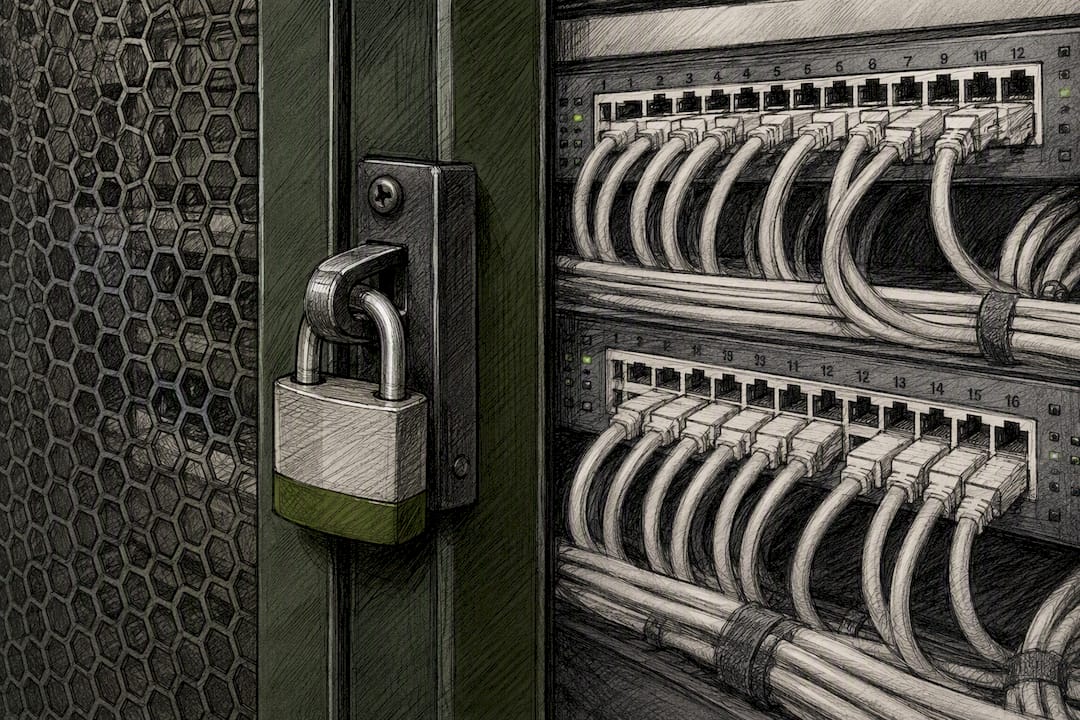
A static IP for remote access and hosting comes with a trade off worth understanding upfront. Permanence makes your address easier to find, which means it also becomes easier to scan and target repeatedly over time, unlike a dynamic address that shifts and loses relevance to an attacker.
The fix isn't avoiding static IPs. It's hardening around them.
- Use IP allowlists on any exposed service so only known partners or offices can connect
- Set strict firewall rules and place public-facing services in a segmented DMZ, separate from your internal network
- Require VPN access with multi-factor authentication for any remote connection, rather than exposing RDP or SSH directly
- Run scheduled monitoring and reputation checks on your address to catch blacklisting or abuse early
A fixed address rewards businesses that treat security as ongoing maintenance, not a one-time setup task.
When a Dynamic IP Is Still the Right Call
Not every business needs to pay the monthly add-on. If your team works entirely from cloud-hosted tools, your servers live with a hosting provider, and nobody outside your building needs to reach your network directly, a dynamic IP is fine.
Alternatives worth considering before you buy:
- Dynamic DNS (DDNS), which maps a memorable hostname to your changing IP automatically
- Cloud-hosted servers, which remove the need for any inbound connection to your office at all
- VPN providers with dedicated IP add-ons, useful if remote access is your only real requirement
Ask yourself three questions: Do you host anything in-house? Does anyone need to reach your network from outside? Does a vendor require allowlisting? Two "no" answers usually means dynamic is enough.
Ventis Consulting's Rollout Pattern and Common Pitfalls
Ventis Consulting Group typically walks clients through five stages: assess the actual need, order the address from the ISP, stage the configuration on an external router before touching production traffic, test thoroughly, then harden with firewall rules and monitoring.
The pitfalls that trip up in-house teams most often involve gateway limitations on ISP-supplied routers, unclear IPv6 readiness, and DNS TTL settings left too long after a change.
A static IP that's configured but not hardened is just a bigger target with a permanent address. The setup is the easy half; the ongoing firewall and monitoring discipline is what actually protects the business.
Engage a managed IT partner when you're deploying VoIP, cameras, and remote access simultaneously. Handle it in-house only if you have dedicated network staff and time to test properly.
Why the "Set It and Forget It" Mindset Fails Here
Most advice on static IPs stops at the configuration screen, as if plugging in a subnet mask and gateway is the finish line. It isn't. The real risk with a fixed address isn't technical complexity. It's the assumption that a one-time setup stays secure indefinitely.
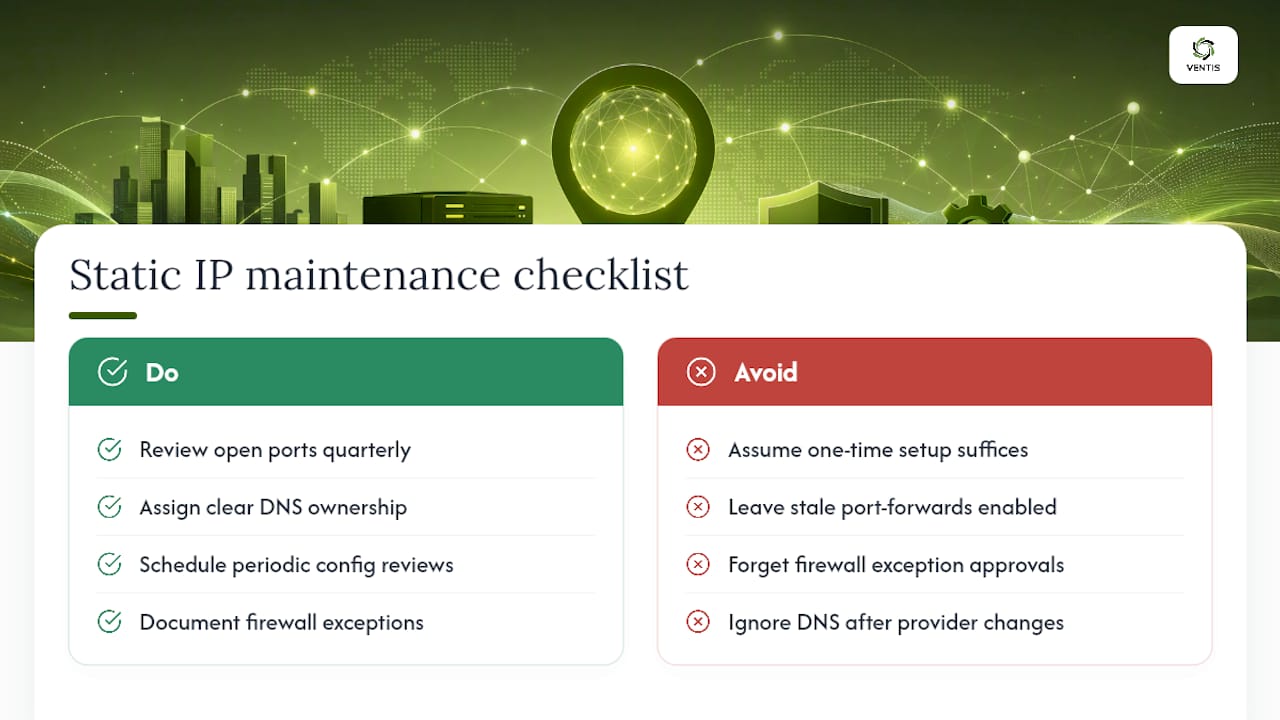
We've seen the opposite pattern hold true across the businesses we work with: the static IP itself rarely causes problems. What causes problems is the DNS record nobody updated after a provider switch, the port-forwarding rule left open from a project that ended two years ago, or the firewall exception nobody remembers approving. A fixed address makes your business more predictable to your own team and, unfortunately, to anyone probing your network from outside.
The businesses that get real value from a static IP treat it as infrastructure with a maintenance schedule, not a purchase you make once. That means quarterly reviews of open ports, not just annual ones. It means someone actually owns the DNS records instead of assuming IT "handled it" during setup. If you're not willing to revisit the configuration periodically, you're better off with a cloud-hosted alternative that shifts that maintenance burden onto a provider who does it for a living.
— Greg
Let Ventis Consulting Handle Your Static IP Setup
Getting a static IP is the easy part. Configuring it correctly across your router, firewall, and VoIP systems without breaking something in the process is where most in-house attempts stall out.

Ventis Consulting Group handles the full job: procurement coordination with your ISP, router and firewall configuration, and making sure your VoIP and unified communications systems stay reliable on the new address. A typical engagement includes a network assessment, staged configuration testing before cutover, and documented firewall rules so your team isn't guessing six months from now. If VoIP reliability or call quality is part of what's driving this decision, our unified communications solutions are built to handle exactly that kind of dependency. Reach out to Ventis Consulting Group to scope your static IP project and get a straight answer on timeline and cost before you commit to anything.
Sources
For deeper configuration steps and pricing context beyond this guide, review the Viasat static IP overview for provisioning fields, Google Fiber's business static IP documentation for IPv6 notes, and the NordLayer setup walkthrough for router-level verification steps.
- Static vs. dynamic IP: Differences, pros and cons, when to use — ExpressVPN
- What is static IP? — NordVPN blog
- Static vs. dynamic IP address — Fortinet Cyber Glossary