
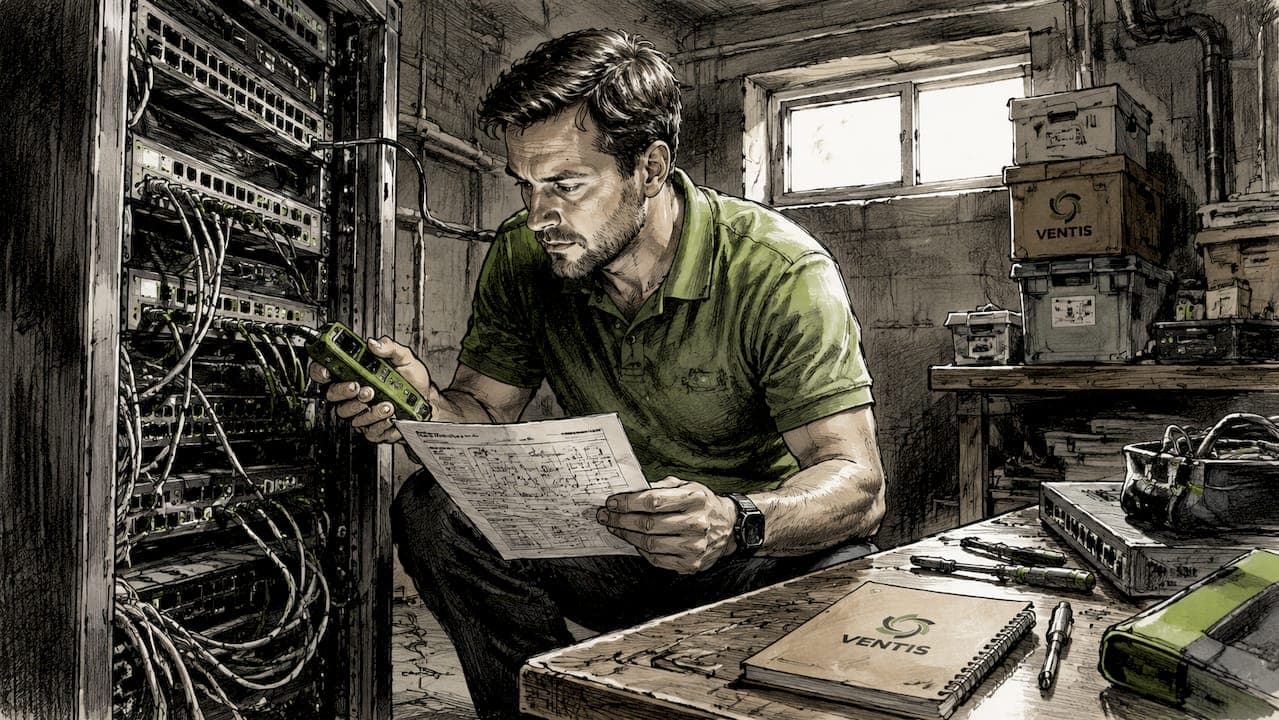
On-site IT support is defined as a qualified technician physically present at your business location to handle tasks that remote assistance cannot complete. The types of on-site IT support services range from hardware installation and network cabling to security device deployment and disaster recovery testing. Each category addresses a specific physical technology need that a remote session simply cannot reach. For small to mid-sized businesses, understanding these categories is the first step toward building a technology infrastructure that actually holds up under daily pressure. Ventis Consulting Group works with SMBs across Pittsburgh to deliver exactly this kind of hands-on, practical IT coverage.
1. Types of on-site IT support services: an overview
On-site IT support covers every task that requires a technician to be physically in your building. Primary triggers for calling in on-site support include hardware failures, cabling issues, office setup, and physical infrastructure management. That list covers the majority of situations where a remote session would leave your team waiting with no resolution. Knowing the specific service categories helps you plan coverage, budget accurately, and avoid gaps that cost you uptime.
The industry term for this discipline is "field IT services" or "on-site managed services," though most business owners search for it as on-site tech support. Both terms describe the same thing: a technician who shows up, assesses your environment, and fixes problems that software tools cannot touch.

2. Hardware installation and maintenance
Hardware installation and maintenance is the most common reason businesses call for on-site support. Certified technicians handle server setup, desktop and peripheral installation, hardware failure resolution, and equipment replacement in person. Physical presence allows them to verify cable connections, test power delivery, and confirm that a device actually works in your specific environment before they leave.
This service category also covers office moves and expansions. When your business relocates or adds a new floor, every workstation, printer, and server must be physically moved, reconnected, and tested. Remote support cannot lift a server rack or run a new power line.
- Server rack installation and configuration
- Desktop, laptop, and peripheral setup
- Hardware failure diagnosis and component replacement
- Printer and point-of-sale hardware setup (see POS hardware support for retail-specific needs)
- Office relocation and expansion support
Pro Tip: Schedule preventive maintenance visits every quarter. A technician who checks hardware health on a regular cycle catches failing drives and overheating components before they cause an emergency.
3. Network infrastructure support and structured cabling
Network infrastructure support covers the physical layer of your connectivity. Mounting hardware, running cables, terminating connections, and commissioning network equipment are all tasks that require a technician on the floor with the right tools. A dropped connection traced to a loose patch panel port or a misrouted cable cannot be fixed from a remote dashboard.
Structured cabling work includes Cat6 and fiber optic runs, patch panel installation, switch and router rack mounting, and wireless access point placement. Site surveys are a key part of this service. A technician walks your space to identify interference sources, dead zones, and the best placement for access points before any cable is pulled.
| Network task | What it involves |
|---|---|
| Cat6/fiber cabling | Running and terminating physical cable runs between rooms and floors |
| Patch panel installation | Organizing cable terminations for clean, traceable connections |
| Switch and router setup | Mounting, configuring, and testing core network hardware |
| Wireless access point placement | Site survey, mounting, and signal testing for full coverage |
| Port and link troubleshooting | Physical inspection of connections causing network drops |
For businesses that depend on uptime, hosting support reliability and physical network quality go hand in hand. A well-cabled office reduces packet loss and supports faster cloud access. You can also read the network troubleshooting guide for a deeper look at diagnosing physical link issues.
4. Security and access control system support
Physical security is an IT responsibility that gets overlooked until something goes wrong. On-site technicians deploy and maintain firewall hardware, security cameras, badge readers, and door access control systems. Physical presence allows personal service, quick resolutions, and environmental assessment that a remote session cannot provide.
This service category also includes secure hardware disposal. When you retire old servers or workstations, a technician must physically wipe or destroy storage media to prevent data exposure. A remote tool cannot confirm that a hard drive has been degaussed or shredded.
- Firewall appliance installation and replacement
- Security camera mounting and configuration
- Badge reader and door access control setup
- Physical port auditing to identify exposed or unused network ports
- Secure disposal and data destruction for retired hardware
Pro Tip: Run a physical security audit at least once a year. A technician walking your office will find unlocked server closets, unsecured network ports, and cameras with blind spots that your cybersecurity software will never flag.
5. On-site disaster recovery and backup support
Disaster recovery is not just a software process. Local backup testing, rapid hardware replacement, and physical site readiness for emergencies all require a technician who can put hands on your equipment. A backup that has never been physically restored is not a backup you can trust.
On-site disaster recovery support includes these core activities:
- Testing local backup systems by performing actual data restores on physical hardware
- Running disaster recovery drills that simulate server failure and measure recovery time
- Replacing failed hardware during an active outage to restore operations quickly
- Preparing a secondary or colocation site with the right physical equipment
- Coordinating with remote IT teams to execute hybrid recovery strategies that cover both cloud and on-premises data
Hybrid IT support strategies combine remote resolution for software issues with on-site intervention for hardware and infrastructure. That combination is what makes a recovery plan realistic rather than theoretical. Reducing IT downtime starts with knowing which tasks need a person in the room. The IT downtime reduction guide covers scheduling and hybrid coverage in more detail.
6. Smart hands and project-based on-site support
Smart hands services are a focused category of on-site IT assistance built for specific, scoped physical tasks. These services deliver cost-effective physical support without requiring full-time on-site staffing. For a business with multiple locations, smart hands let a remote IT team direct a local technician to complete precise tasks without sending a senior engineer across town.
Common smart hands tasks include:
- Rack-and-stack: physically mounting servers, switches, and patch panels in a rack
- Cable termination: punching down and labeling cable runs to spec
- Port patching: connecting the right cables to the right switch ports per a remote engineer's diagram
- Device swap: replacing a failed unit with a spare and confirming it powers on
- AV and conferencing equipment setup for new offices or meeting rooms
Smart hands services provide a way for multi-location SMBs to execute physical IT tasks without hiring dedicated on-site staff at every site. This model works especially well during office rollouts, equipment refreshes, and network upgrades where the work is well-defined and time-sensitive. Pairing smart hands with a managed IT agreement gives you the coverage of a full team without the overhead of one.
On-site vs. in-house staff is a real decision point for growing businesses, and smart hands often bridge the gap between the two models at a fraction of the cost.
Key takeaways
On-site IT support and remote IT support are most effective when used together, with each type of service matched to the physical or software nature of the problem.
| Point | Details |
|---|---|
| Hardware needs physical presence | Server setup, device replacement, and office moves require a technician on site. |
| Cabling is a specialized skill | Structured cabling, site surveys, and port troubleshooting cannot be done remotely. |
| Security has a physical layer | Firewall hardware, access control, and secure disposal all require hands-on work. |
| Disaster recovery must be tested physically | Backup restores and recovery drills need a technician to verify hardware performance. |
| Smart hands reduce overhead | Scoped physical tasks at multiple locations are cost-effective without full-time staff. |
What I've learned about mixing on-site and remote IT support
After working with SMBs across Pittsburgh, the clearest mistake I see is treating on-site and remote support as an either/or choice. On-site and remote IT support are complementary, not competing options. Businesses that maximize uptime use both, matching the delivery method to the nature of the problem.
The second mistake is waiting for something to break before scheduling an on-site visit. On-site support generally costs more than remote due to travel, time, and equipment needs. That cost drops significantly when visits are planned and preventive rather than emergency and reactive. A quarterly hardware check costs a fraction of what you spend recovering from a server failure that a technician would have caught in ten minutes.
The third thing I tell every business owner: build a relationship with a local technician before you need one urgently. Knowing your building layout, your equipment age, and your network topology in advance means faster resolution when something does go wrong. That familiarity is worth more than any remote monitoring tool. The IT support checklist is a good starting point for auditing where your current coverage has gaps.
— Greg
On-site IT support from Ventis Consulting Group
Ventis Consulting Group provides managed IT services that combine expert on-site support with remote monitoring for small to mid-sized businesses in Pittsburgh and surrounding areas. Whether you need structured cabling, hardware installation, security device setup, or disaster recovery testing, the team brings local expertise and a consultative approach to every engagement.

If you want predictable IT coverage without the cost of full-time staff, the managed service agreement from Ventis Consulting Group gives you scheduled on-site visits, remote support, and a team that already knows your environment. You can also review the full managed IT services catalog to see which on-site service categories fit your current needs. Call the team directly or reach out online to get started.
FAQ
What does on-site IT support mean?
On-site IT support means a qualified technician travels to your business location to handle tasks that require physical access to hardware, cabling, or infrastructure. It covers everything from server installation to security device setup that remote tools cannot complete.
How is on-site support different from remote support?
Remote support resolves software, cloud, and configuration issues through a network connection, while on-site support handles physical hardware, cabling, and environmental problems that require a technician to be present. Most effective IT strategies use both.
What are the main types of on-site IT assistance?
The main categories are hardware installation and maintenance, network infrastructure and structured cabling, security and access control support, disaster recovery and backup testing, and smart hands project services. Each addresses a specific physical technology need.
When should a business use smart hands services?
Smart hands services work best for multi-location businesses that need scoped physical tasks completed at a specific site without sending a senior engineer. Common uses include rack-and-stack, cable termination, and device swaps directed by a remote IT team.
Is on-site IT support worth the cost for small businesses?
On-site support costs more per visit than remote support, but it reduces downtime for hardware failures and infrastructure problems that remote tools cannot fix. Scheduled preventive visits lower the overall cost by catching issues before they become emergencies.