
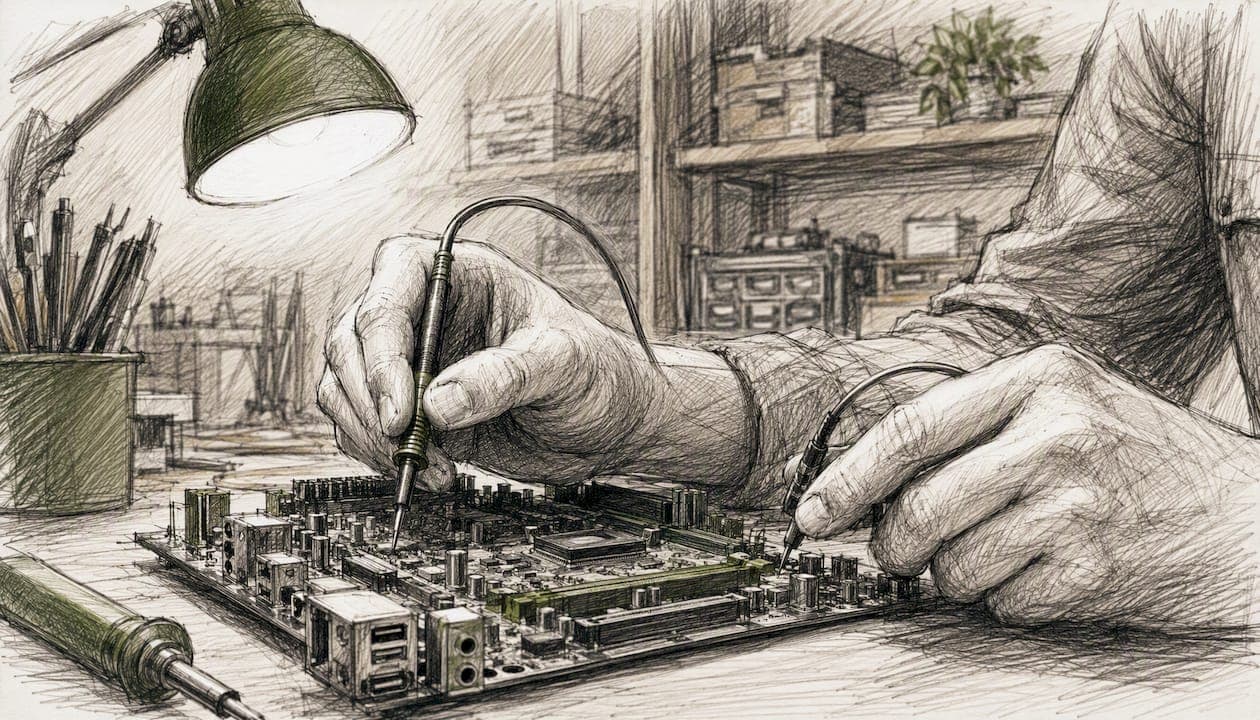
Computer hardware services are professional repair, installation, upgrade, and maintenance offerings that keep desktops, laptops, servers, and network equipment running reliably. If your equipment is failing, aging, or slowing down your team, the right move is to request a written assessment or quote from a qualified provider rather than guessing at a fix. A trustworthy service should offer:
- Clear service-level agreements (SLAs) with defined response times
- Warranties on both parts and labor
- OEM or industry certifications (CompTIA and manufacturer authorizations, for example)
- A fixed-price quote before any work begins
Ventis Consulting Group builds its hardware support around exactly these standards for business clients in Pittsburgh and the surrounding region.
Key Takeaways
Reliable computer hardware services combine fast diagnostics, transparent pricing, and SLA-backed support, and the right provider should prove all three before you sign anything.
| Point | Details |
|---|---|
| Match the service to the need | Repair, upgrade, rebuild, and server maintenance each fit different equipment and budgets. |
| Compare cost to replacement value | If repair cost approaches 50 to 60 percent of a new machine's price, a refresh usually costs less over time. |
| Vet providers before committing | Confirm SLAs, certifications, and warranty terms with a short set of direct questions. |
| Expect a documented process | Diagnosis, written quote, approval, repair, and testing should happen in that order, every time. |
| Consider managed support at scale | Ventis Consulting Group offers SLA-backed hardware procurement, installation, and maintenance for growing businesses. |
Table of Contents
- What Do Computer Hardware Services Typically Include?
- How Much Do Computer Hardware Services Cost?
- How Do You Choose a Reliable Hardware Service Provider?
- What Happens After You Request Hardware Service?
- When Do You Need Enterprise-Grade Hardware Support?
- Frequently Asked Questions
- Sources
What Do Computer Hardware Services Typically Include?
Hardware services break down into a handful of categories, and knowing which one you need saves time on the first call.
- Diagnostics and repair. A technician isolates the failure point, whether that's a dead power supply, a failing motherboard, or overheating from dust buildup. This is often the entry point for every other service.
- Component replacement. Swapping a broken screen, keyboard, fan, or power adapter. Straightforward, usually same-day if parts are in stock.
- SSD/HDD and RAM upgrades. One of the most cost-effective ways to extend a machine's life. A five-year-old laptop with a fresh SSD often outperforms a new budget model.
- Full system rebuilds. Reimaging, reinstalling the OS, and migrating data after a major failure or a planned refresh.
- Network and peripheral installation. Setting up routers, switches, printers, and access points so hardware and network function as one system.
- Server and rack maintenance. Firmware updates, drive swaps, and preventive checks on infrastructure that can't afford downtime.
Home users tend to request repair and upgrade work. Small and midsize businesses lean toward installation, migrations, and recurring maintenance. Data centers need scheduled rack servicing and rapid part replacement, which is where depot vs on-site vs remote service models start to matter most. The Von Neumann architecture that underlies nearly every modern computer explains why some problems that look like software glitches are actually hardware bottlenecks in memory or storage.
How Much Do Computer Hardware Services Cost?
Pricing generally follows one of four models: a flat-fee diagnostic charge, hourly labor, fixed-price part replacement, or a project quote for a larger refresh. Marketplace data puts average technician rates around $60 per hour, with simple repairs often priced as flat jobs rather than billed by the hour.
Timelines vary by job type:
- Diagnostics: same day to 24 hours
- Common part swaps (RAM, SSD, battery): same day if parts are on hand
- Motherboard or logic-board repair: 3 to 7 business days, longer if a part must be ordered
- Server maintenance windows: scheduled, often after hours to avoid disrupting operations
Pro Tip: Before approving any repair, ask what percentage of a new machine's cost the fix represents. If a repair runs past 50 to 60 percent of replacement cost, a technology refresh usually wins on total cost of ownership, since older hardware tends to fail again soon after.
How Do You Choose a Reliable Hardware Service Provider?
The provider you pick matters more than the price on the invoice. A shop that under quotes but takes three weeks and voids your warranty in the process isn't actually cheaper.
Prioritize providers who lead with SLAs and response times, back their work with a warranty on both parts and labor, hold real certifications (CompTIA A+, OEM authorizations from Dell, HP, or Lenovo), and can demonstrate experience across multiple hardware vendors rather than just one brand.
Ask these questions on the first call:
- What's your average response time for a diagnostic?
- Do you provide a written quote before starting work?
- What's your warranty period on parts and on labor?
- How do you handle customer data during repair?
- Are your technicians certified, and by whom?
- Can you provide references from businesses similar to mine?
- Do you stock common parts, or is everything special-ordered?
Watch for red flags: no written estimate, vague or undocumented warranty terms, and any technician who pushes replacement before ruling out a reasonable repair. A provider that can't answer the certification question directly usually can't back it up either.
What Happens After You Request Hardware Service?
The process is more predictable than most people expect.
- Intake. You describe the symptoms; the provider logs the equipment and any urgency.
- Diagnosis. A technician confirms the root cause rather than guessing from the symptom alone.
- Quote. You receive a fixed price or estimate range before anything is touched.
- Approval. Work only proceeds once you sign off.
- Repair. Parts are replaced, upgraded, or reconfigured.
- Testing. The system is stress-tested to confirm the fix holds.
- Return or deployment. Your equipment comes back, or a technician deploys it on-site.
A simple part swap often finishes same-day. Motherboard-level repairs or server maintenance windows for enterprise clients take longer and are usually scheduled in advance.
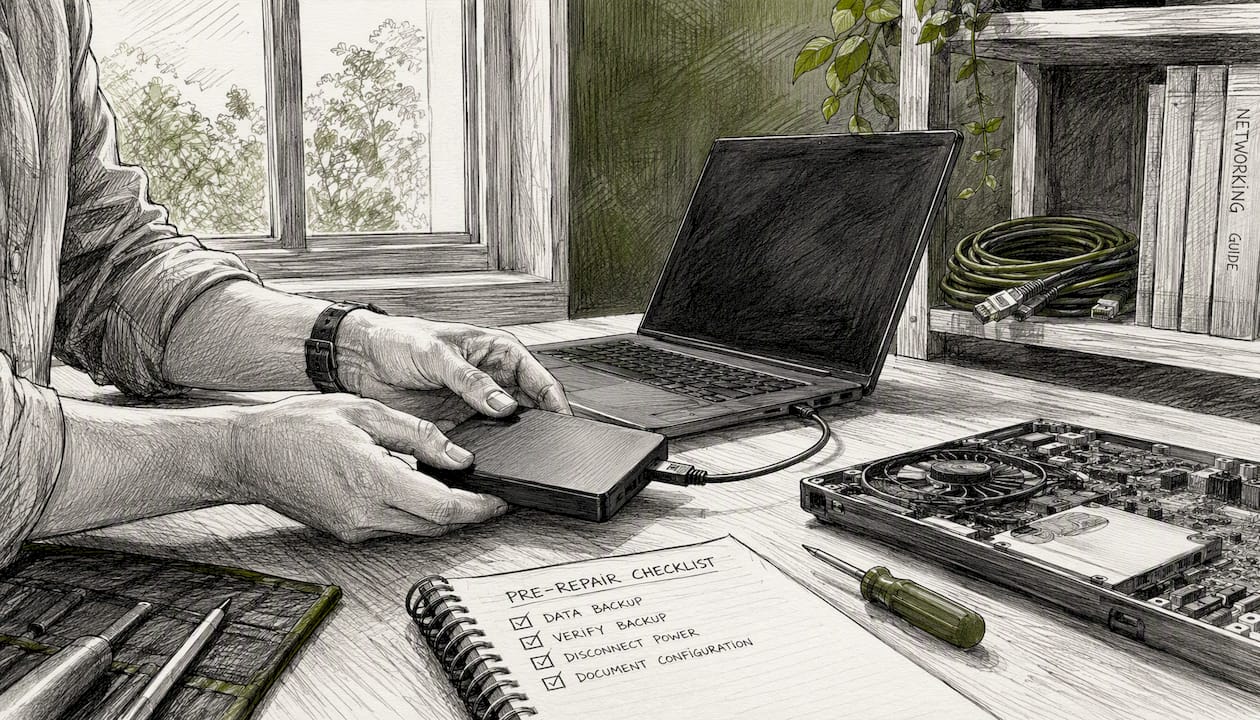
Pro Tip: Ask about pre-authorized backups before repair work starts. A provider that backs up your data first, or keeps spare parts on hand for common failures, cuts your downtime significantly compared to one that orders parts after diagnosis.
When Do You Need Enterprise-Grade Hardware Support?
Occasional repair works fine until it doesn't. Once downtime starts costing more than a support contract would, the math changes.
Enterprise SLAs typically include 24/7 coverage, two-hour on-site response options, and advance-exchange or depot replacement so a failed component doesn't leave a system offline while a new part ships. IBM's systems support model shows how tiered SLA options scale response time to how critical the equipment is.
Businesses running a mix of vendors, brands, and system ages benefit from a single point of contact rather than juggling separate warranty lines for each manufacturer. This matters most for:
- Data centers where an outage cascades across dependent systems
- Regulated industries where compliance requires documented response times
- Any business where an hour of downtime costs more than a month of contract fees
Some enterprise contracts now use call-home telemetry to flag failing components before they cause an outage, shifting support from reactive to predictive.
When Should a Business Move From Ad-Hoc Repairs to Managed Support?
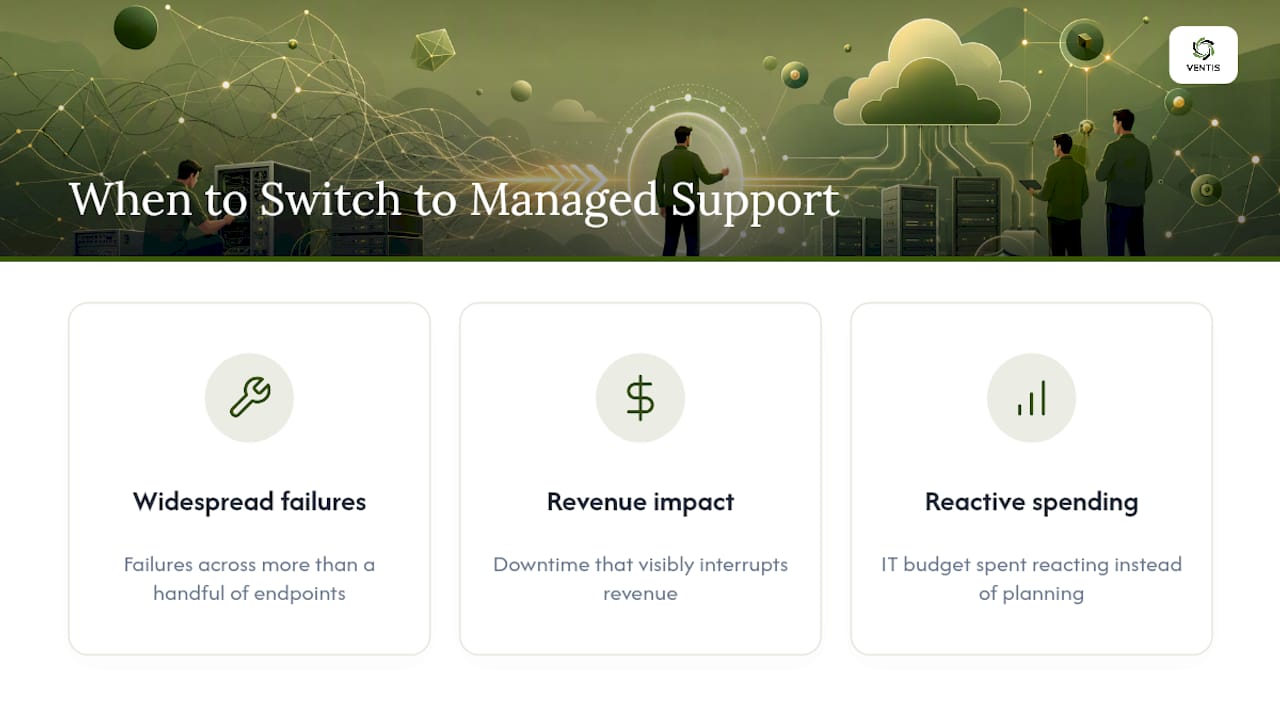
The threshold isn't a fixed number, but a pattern: repeated hardware failures across more than a handful of endpoints, downtime that visibly interrupts revenue, or an IT budget spent reacting instead of planning. At that point, managed hardware agreements outperform break-fix calls. Ventis Consulting Group's consultative model exists for exactly that inflection point, pairing hardware support with the network and security context that makes a repair actually stick.
Get a Hardware Assessment From Ventis Consulting Group
If your business is patching hardware problems one ticket at a time, an assessment tells you where the real cost is hiding. Ventis Consulting Group provides hardware procurement and installation, managed IT support with defined SLAs, and ongoing server and network maintenance for small to midsize businesses in Pittsburgh and the surrounding area.

Every engagement starts with a written quote, backed by warranty terms on parts and labor and a track record reflected in a 5-star client rating. Instead of waiting for the next failure to force a decision, request an inventory audit or managed IT assessment and get a clear picture of what needs repair, what needs upgrading, and what's ready for a refresh.
Frequently Asked Questions
What's the difference between computer hardware services and IT support? Hardware services focus on physical equipment: repair, installation, upgrades, and maintenance. IT support is broader and often includes software, networking, and security alongside hardware.
Is it cheaper to repair or replace an aging computer? It depends on the failure and the machine's age. If repair costs stay under roughly half the price of a comparable new unit, repair is usually the better value.
How long does a typical hardware repair take? Simple fixes like RAM or drive swaps often finish the same day. Repairs needing an ordered part or motherboard-level work can take three to seven business days.
Do businesses need a hardware support contract, or can they call a technician as needed? Occasional repairs work for very small setups. Once failures become frequent or downtime starts hitting revenue, a managed agreement with defined SLAs typically costs less than repeated emergency calls.
What certifications should a hardware technician have? Look for CompTIA A+ certification at minimum, along with OEM authorizations from major manufacturers like Dell, HP, or Lenovo for warranty-covered work.